
Setting up your DGX Spark kit
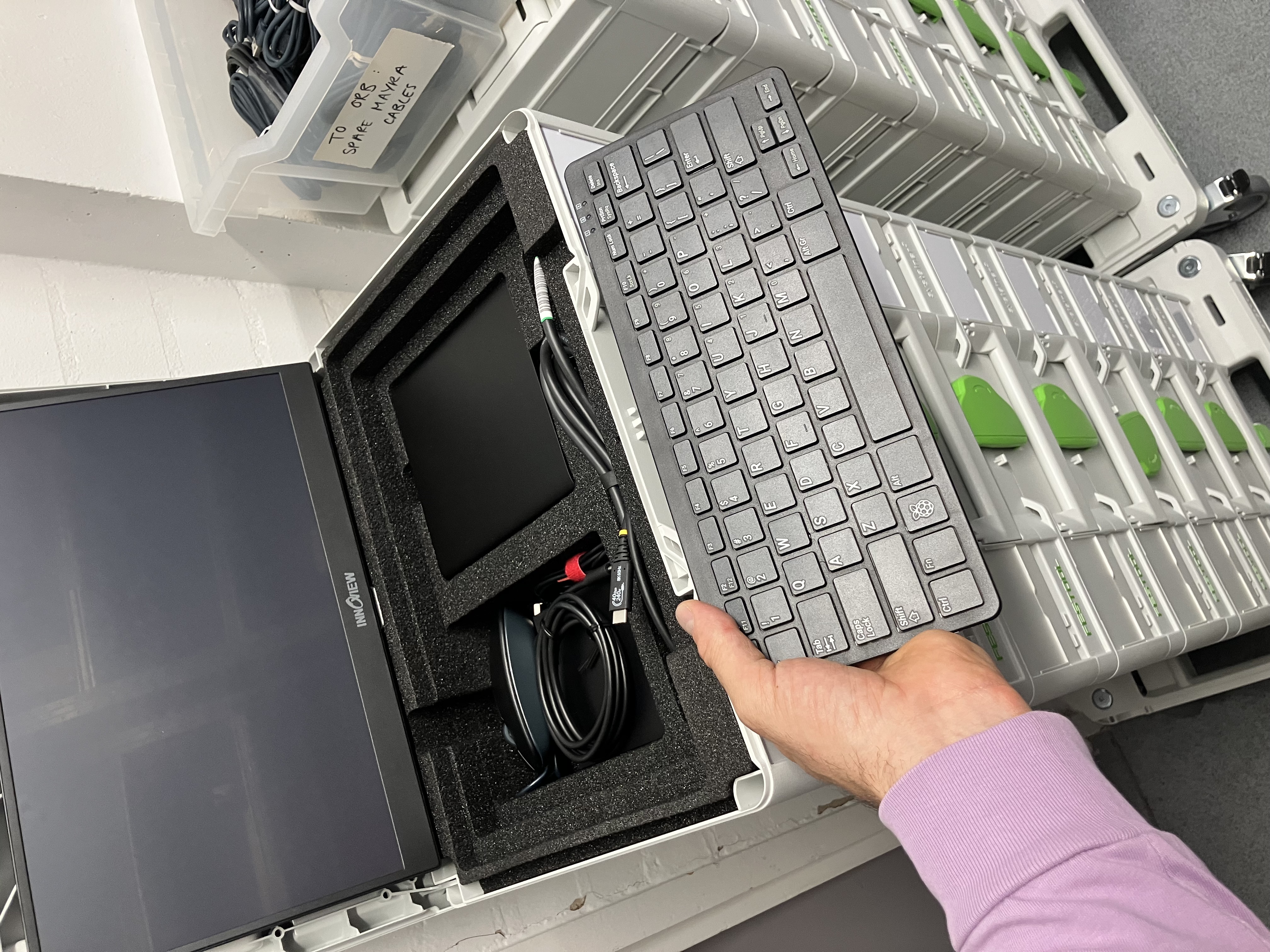
This is a guide on how to set up your HP DGX Spark Ai Computing kit.
What is in the kit?
- 1 x HP DGX Spark micro computer
- 1 x pPower plug and transformer.
- 1 x 16 inch touch screen monitor (with built in stand)
- 1 x Keyboard
- 1 x Mouse
- 1 x USB C - USB Micro cable - 1 m
- 1 x USB C-C High speed cable - 50cm
How do I plug it all in?
- Take out the the 16inch Screen, fold out the stand in the back an place on the table
- Take out the Spark computer
- take out the power block and plug in the computer
- take out the USB Keyboard and mouse
- Take the USB C-C 50cm cable and plug the Spark computer USB C input 1 to the Screen input
- Take the USB Micro and plug into the keyboard and the otehr end into the spark USB C input 2
- Finally plug the USB A of the mouse into the USB A input on the back of the Keyboard.
- Power up the DGX Spark computer.