Projection Mapping Workshop
Intro to Projection Mapping
(document under construction)
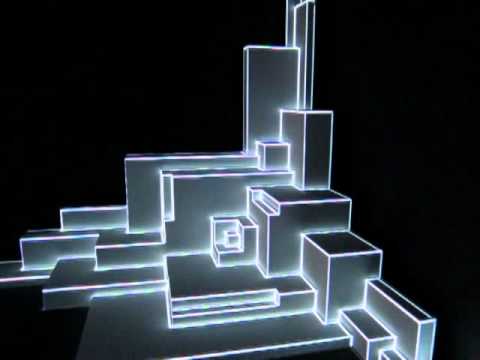
TYPES OF PROJECTION MAPPING
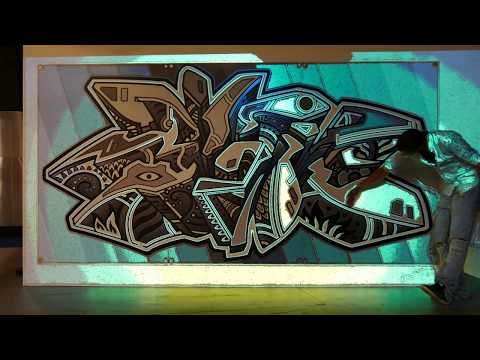
2D to 2D:  2D video on 2D surface, or camera-projector mapping
2D to 3D:  map 2D videos or images onto faces of 3D object
3D to 3D:
     map 3D (perspective) renders of virtual object onto the real one
Static vs. Interactive
SIMPLE 2D MAPPING
    perspective warping (cornerpoints)
    MapMap, MadMapper, TouchDesigner, Unity, etc.
   (infrared) cameras


    SOME EXAMPLES:
BARE CONDUCTIVE
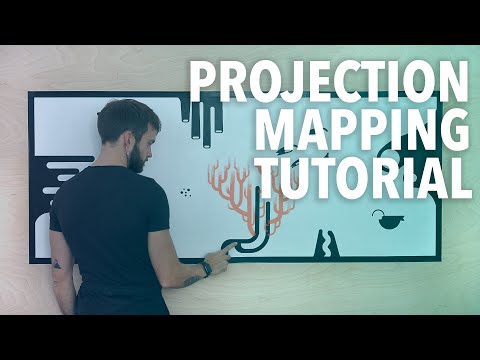
FLIPPAPER
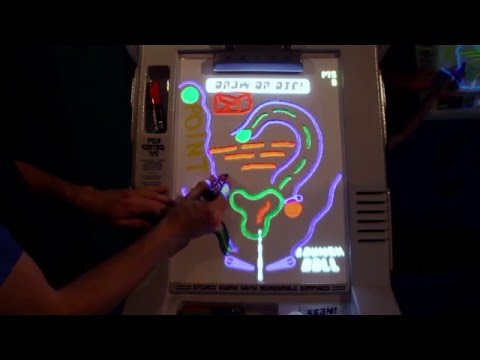
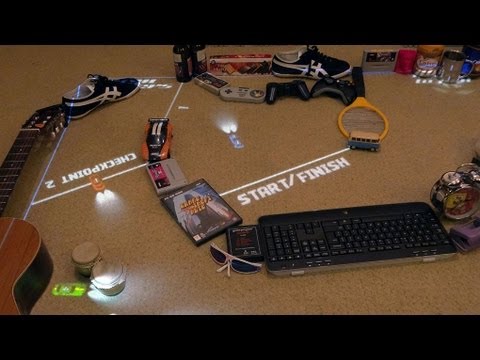
INTERACTIVE POOL TABLE
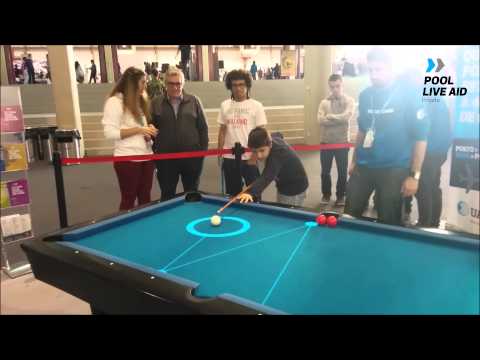
2D OBJECT MAPPING
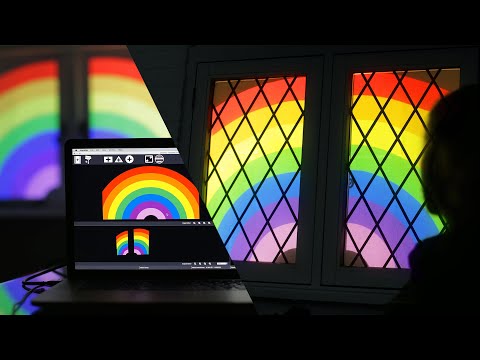
Map 2D video onto faces of a physical 3D object: - multiple 2D surfaces (potentially at various angles) - input & output mapping: 'unwrapping' & perspective warping - MapMap / MadMapper / TouchDesigner / etc. - great when the object is not overly complex
Luma Box - DIY “Thank You” Window Projection Tutorial
THOR HAMMER pt.1
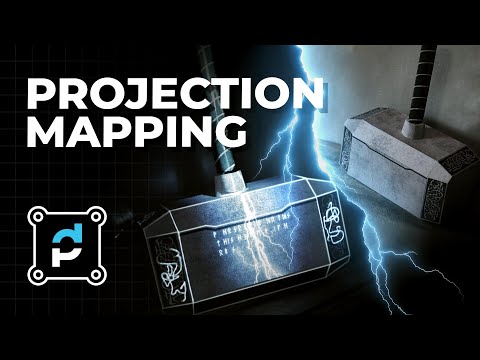
THOR HAMMER pt.2
True 3D object mapping
map 3D (perspective) renders of object onto a real object
- Uses a virtual 3D model of whatever you are projecting on
- Map complex objects: no tedious mapping of individual surfaces
- Allows for effects like re-lighting
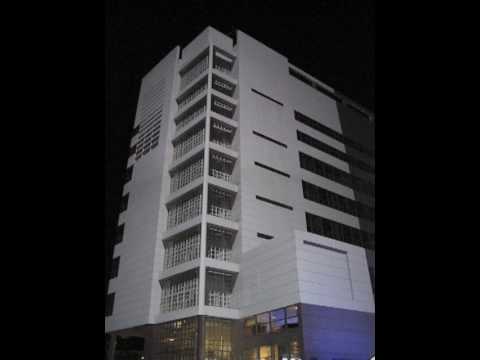
- Projected effects that are NOT 'flat' (i.e. colors, textures, shadows, etc.) can still look correct from a single 'sweet spot' (anamorphosis)
Re: by Carolien Teunisse and Bram Snijders
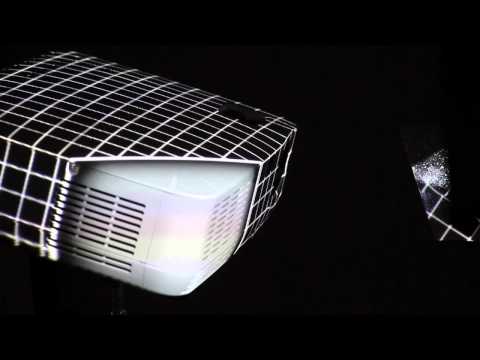
ANAMORPHOSIS EXAMPLES
    <!--<tr>
        <td colspan="2">
            <img src="https://www.lapiazzaweb.it/wp-content/uploads/2021/06/Peeta_Infocamere_Padova-scaled.jpg" alt="" title="" width="1920" />
        </td>
    </tr>
    <tr> <td height="290"> </td> </tr>-->

    <tr>
        <td colspan="2">
            <img src="https://graffiti-artist.net/wp-content/uploads/2020/01/text-anamorphic-illusion.jpg" alt="" title="" width="1920" />
        </td>
    </tr>
    <tr> <td height="290"> </td> </tr>
3D object mapping HOW TO
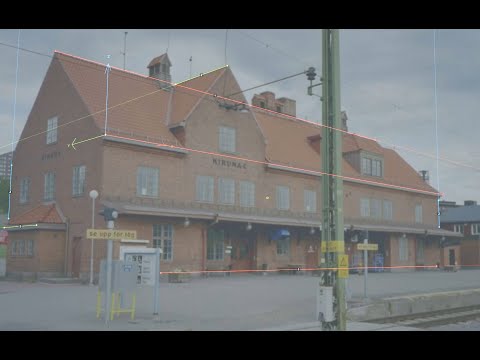
SOME 3D OBJECT MAPPING TOOLS: - fSpy (camera (or projector!) viewpoint estimation)
- 3D modeling
- 3D scanning (Kinect, LIDAR, photogrammetry, handheld, etc.)
- 3D printing / laser cutting (create sculpture from 3D design)
- output from Blender / Unity / Unreal / Processing / etc.
- Syphon / Spout
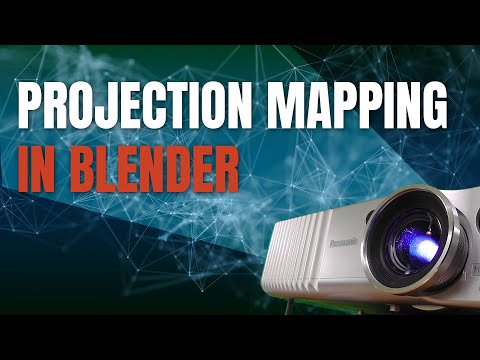
FSPY TUTORIAL
    <!-- FSPY BLENDER KITCHEN TEST -->
    <tr>
        <td colspan="2">
            <video width="1920" height="1080" controls>
                <source src="./videos/fSpy Blender Kitchen Test 02.mp4" type=video/mp4>
            </video>
        </td>
    </tr>

    <tr>
        <td> <div style="text-align: left;"> <span class="credits">fSpy & Blender in my kitchen </span> </div> </td>
        <td> <div style="text-align: right;"> <span class="footer">UAL:CCI - Projection Mapping Workshop - 20 - 3D to 3D</span> </div> </td>
    </tr>
    <tr> <td height="490"> </td> <td height="490"> </td> </tr>
PHOTOGRAMMETRY FOR MAPPING
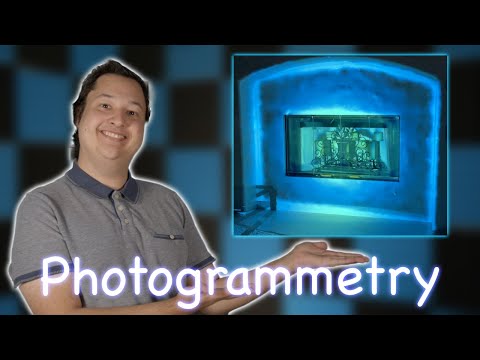
SNEAKER MAPPING

TRACKING STUFF
body tracking
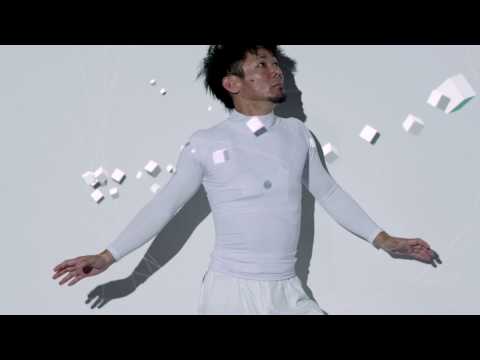
face tracking
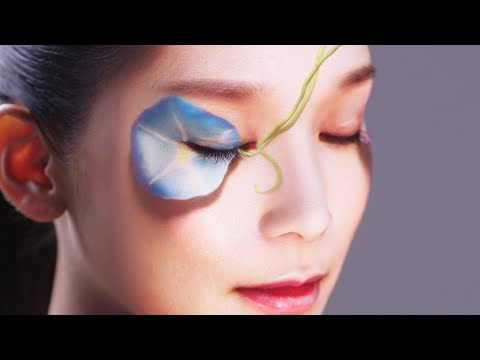
BEWARE OF LATENCY THOUGH!
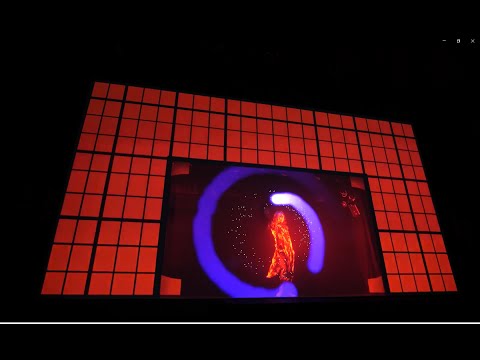
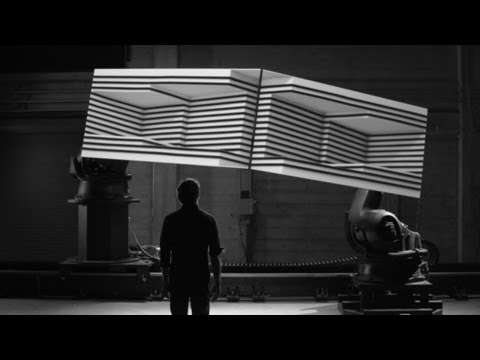
ROBOT-AIDED MAPPING: BOX
Now let's have a go ourselves!!
Try one of the following tutorials:
Mirabelle Jones - TouchDesigner projection mapping (web)
GitHub page
Coaction Lab - Intro to Touch Designer part 2 - Kantan Mapper:
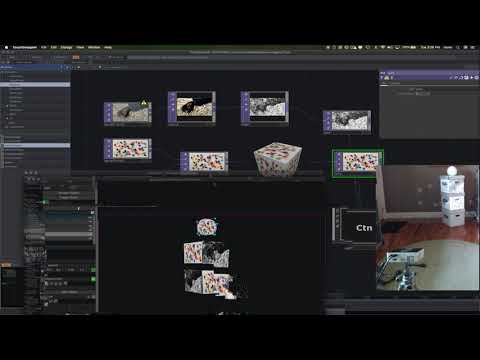
Elburz Sokhabi - Intro to TouchDesigner for Projection Mapping
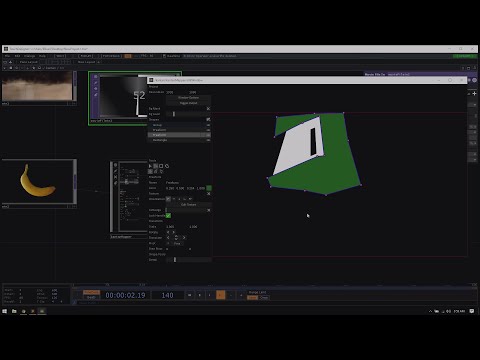
Reflekkt - advanced 3D scanning + mapping