Projection Mapping Workshop
Introduction to Projection Mapping
(document under construction)
TYPES OF PROJECTION MAPPING
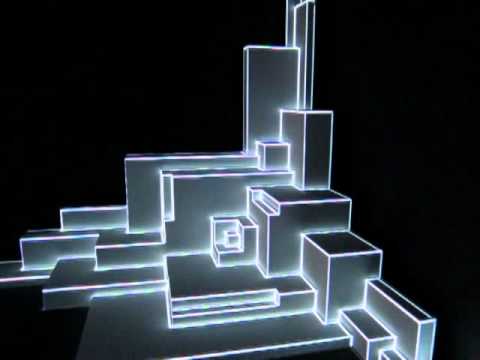
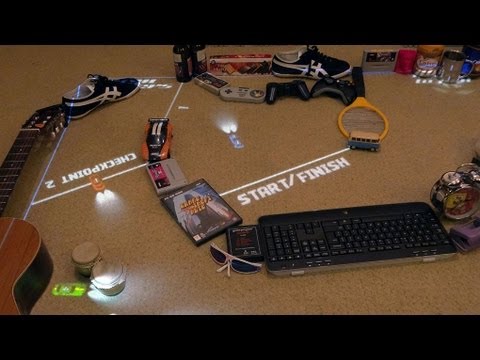
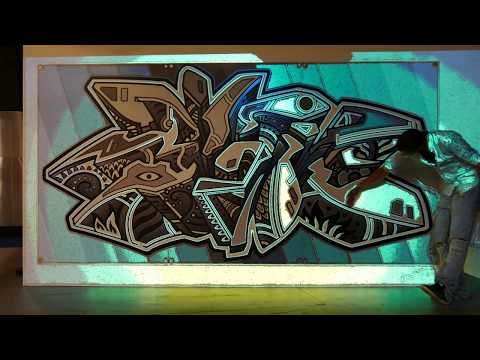
2D to 2D: to map an image or video on a flat surface (or for camera-projector mapping). You only need a simple image stretch/warp to map it!
2D to 3D: map 2D videos or images onto different faces (sides) of a 3D object. You can use projection mapping software, or do it directly in e.g. TouchDesigner, Unity, Processing, Photoshop - basically any app that allows you to stretch and warp your content!
3D to 3D: map 3D (perspective) renders of a 'digital twin' (e.g. a 3D scan) of your object/sculpture/environment onto the physical one.
Static vs. Interactive.
SIMPLE 2D MAPPING
- perspective warping (cornerpoints)
- MapMap, MadMapper, TouchDesigner, Unity, etc.
- (infrared) cameras for interaction
SOME EXAMPLES:
BARE CONDUCTIVE
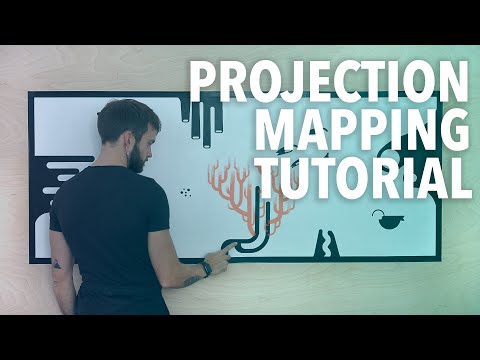
FLIPPAPER
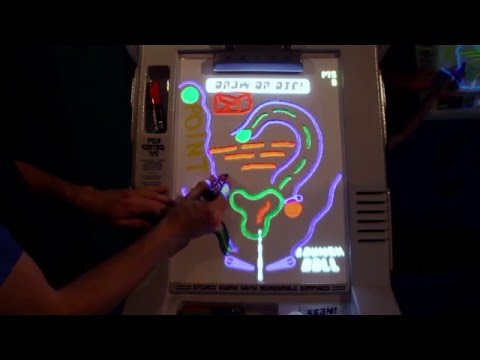
INTERACTIVE POOL TABLE
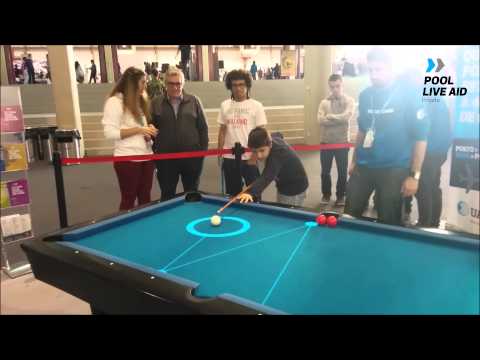
2D OBJECT MAPPING
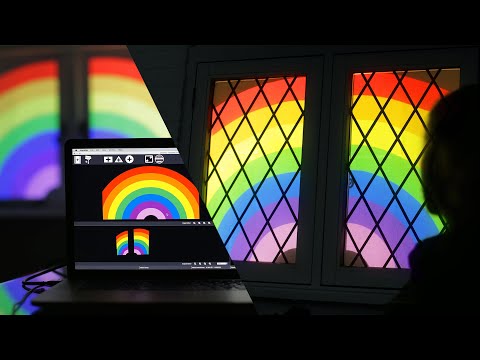
Map 2D video onto faces of a physical 3D object: - multiple 2D surfaces (potentially at various angles) - input & output mapping: 'unwrapping' & perspective warping - MapMap / MadMapper / TouchDesigner / etc. - great when the object is not overly complex
Luma Box - DIY “Thank You” Window Projection Tutorial
THOR HAMMER pt.1
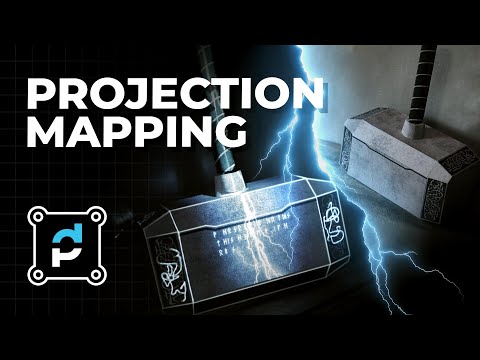
THOR HAMMER pt.2
True 3D object mapping
map 3D (perspective) renders of object onto a real object
- Uses a virtual 3D model of whatever you are projecting on
- Map complex objects: no tedious mapping of individual surfaces
- Allows for effects like re-lighting
- Projected effects that are NOT 'flat' (i.e. colors, textures, shadows, etc.) can still look correct from a single 'sweet spot' (anamorphosis)
Re: by Carolien Teunisse and Bram Snijders
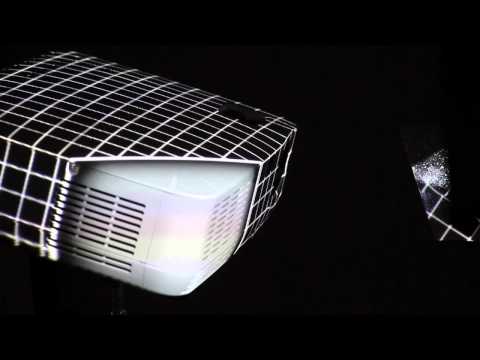
ANAMORPHOSIS EXAMPLES
(3D perspective effect - only works from the correct viewing position!)

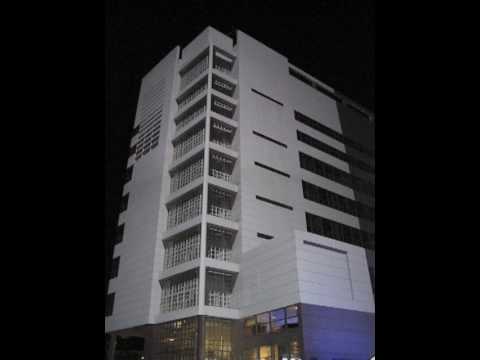
SOME 3D OBJECT MAPPING TOOLS:
- fSpy (camera (or projector!) viewpoint estimation)
- 3D modeling (e.g. Blender)
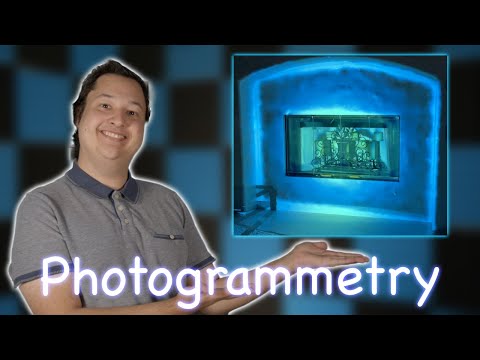
- 3D scanning (photogrammetry, LiDAR, handheld scanners, etc.)
- 3D printing / laser cutting (create sculpture from 3D design)
- output from Blender / Unity / Unreal / Processing / etc.
- Syphon / Spout (to route graphics output from your content creation or rendering app to your projection mapping app (if needed))
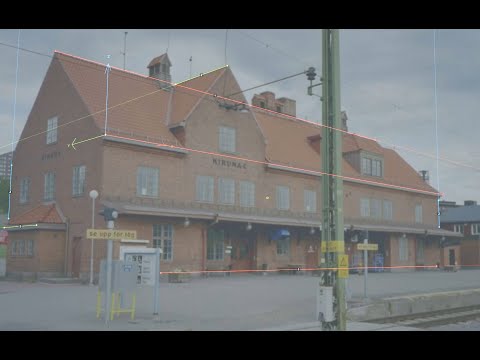
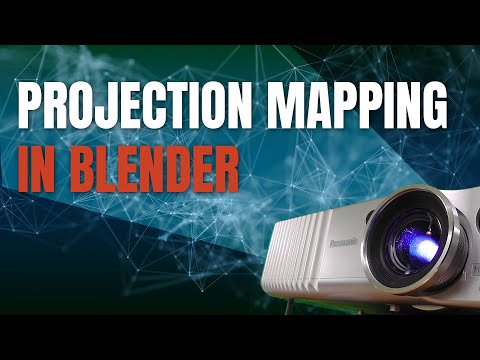
FSPY TUTORIALS
PHOTOGRAMMETRY (3D scanning) FOR MAPPING
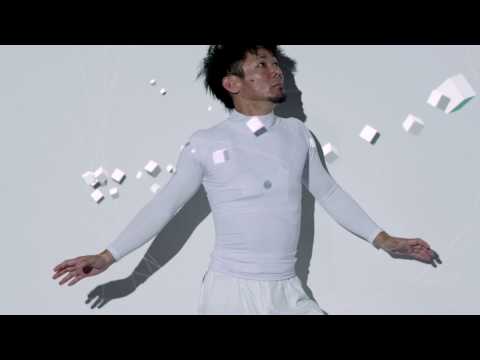
SNEAKER MAPPING

body tracking
face tracking
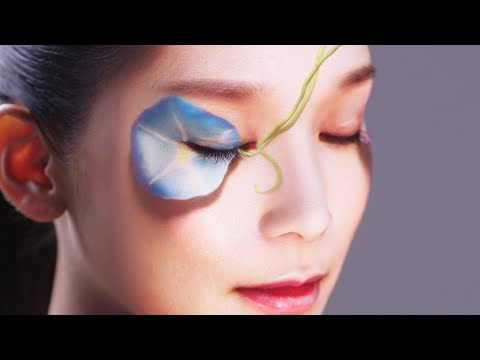
BEWARE OF LATENCY THOUGH!
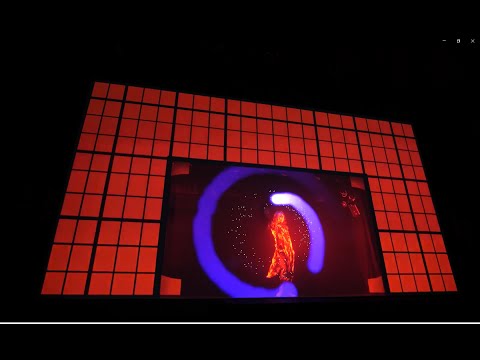
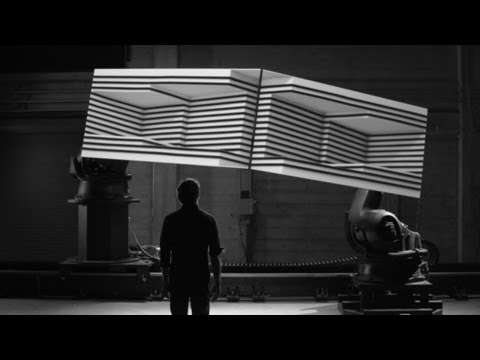
ROBOT-AIDED MAPPING: BOX
Now let's have a go ourselves!!
Try one of the following tutorials:
Mirabelle Jones - TouchDesigner projection mapping (web)
GitHub page
Coaction Lab - Intro to Touch Designer part 2 - Kantan Mapper:
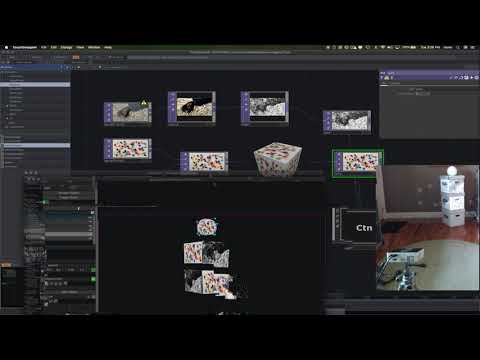
Elburz Sokhabi - Intro to TouchDesigner for Projection Mapping
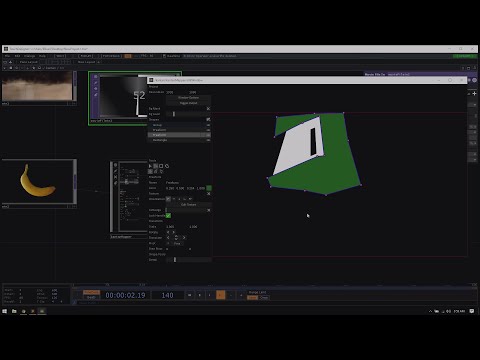
Reflekkt - advanced 3D scanning + mapping