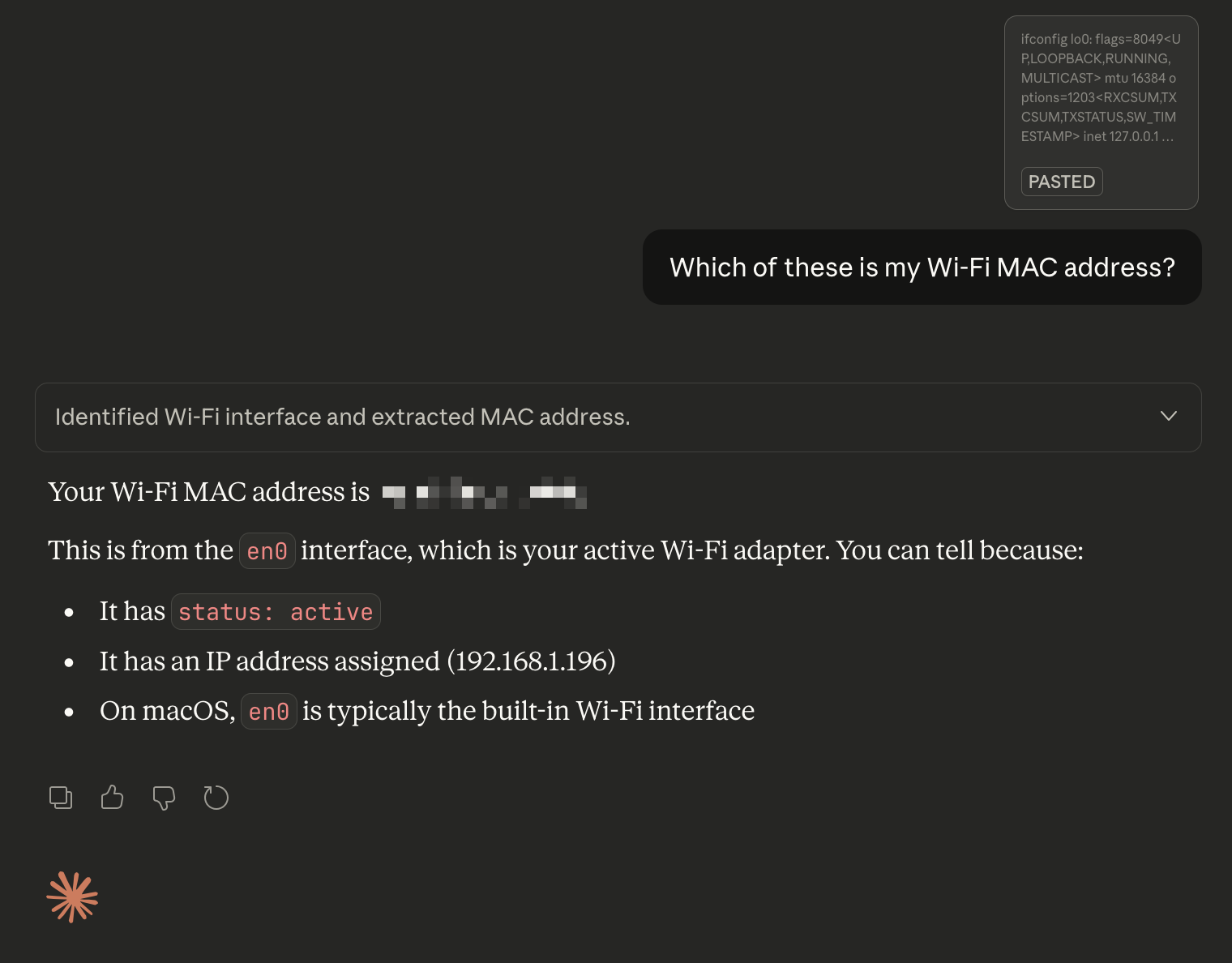
How do I find the MAC address of my device?
To connect your device to UAL-IoT we need it's MAC address, a unique address to that device.
A MAC address is a hexadecimal number made up of 6 pairs of numbers, most commonly they look like this: aa:df:87:92:97:68, sometimes also reprisented like this: aa.df.87.92.97.68 or aadf87929768.
MAC addresses are not case sensitive, i.e. aa:df:87:92:97:68 is the same as AA:DF:87:92:97:68, typically *nix operating systems will use lowercase, and Windows uppercase, but they're the same.
Arduino
You will need to upload or modify your Arduino sketch to include a Wi-Fi library and then print the MAC address to the serial port.
Built-in example
There is example code for the Arduino Uno R4 built-in to the Example library in the "ConnectWithWPA" example:
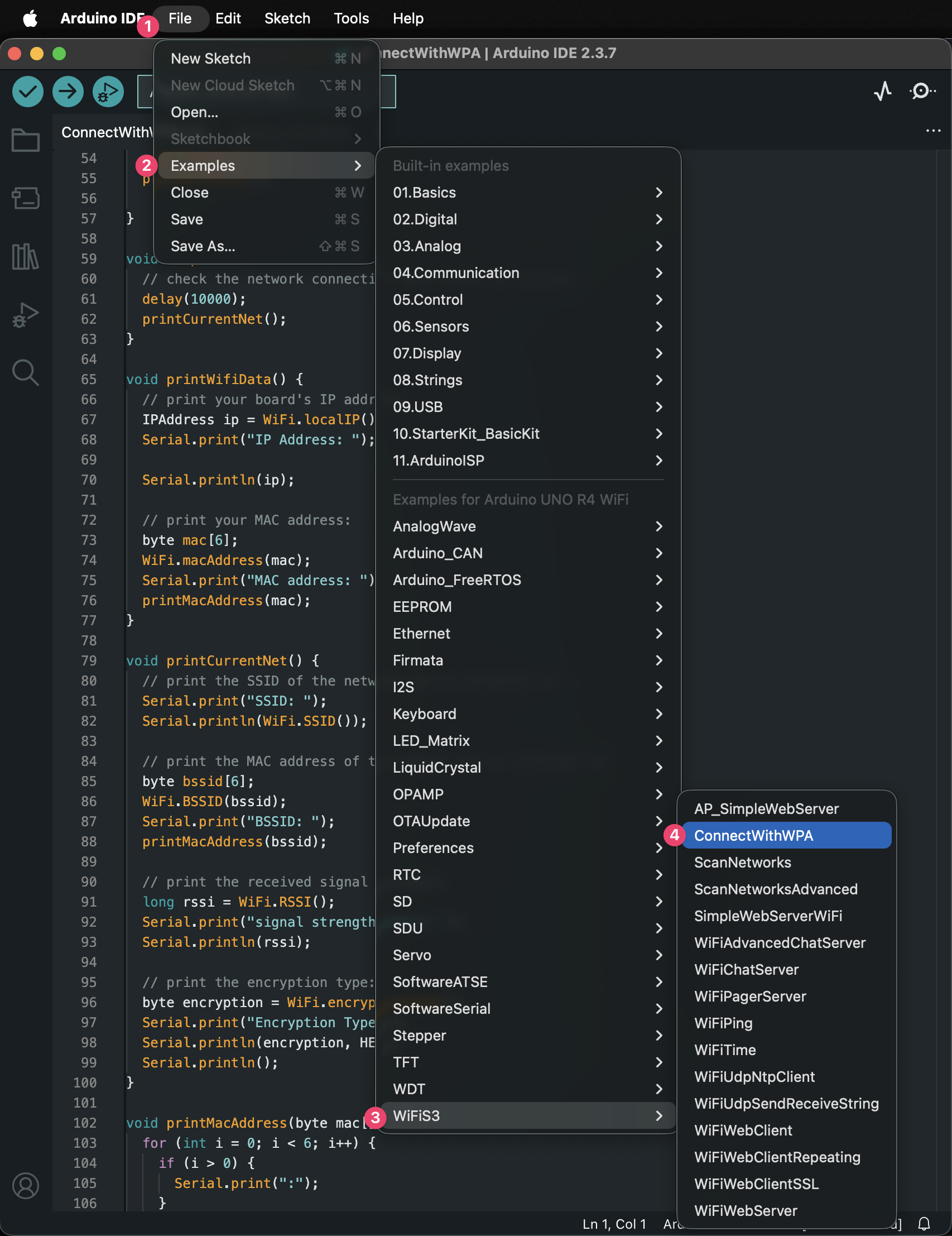
Example code
Otherwise you can use code like this, but you'll need to adapt it to your board:
#include <WiFi.h>            // For ESP32
// #include <ESP8266WiFi.h>  // For ESP8266

void setup() {
  Serial.begin(9600);
  delay(1000);

  // Print MAC address
  Serial.print("MAC Address: ");
  Serial.println(WiFi.macAddress());
}

void loop() {
  // Nothing needed here
}
Raspberry Pi and other Linux based Single Board Computers
To connect a linux based computer to UAL-IoT you'll need to open the termainl and issue a command like ip a or ifconfig to get a list of IP addresses and MAC addresses.
You'll then need to sort through the information and find the MAC addrss for the Wi-Fi adapter, which will be mixed in with the ethernet, and other virtual adapters.
If you are struggling you could try copying the text output from the command and asking on Slack, or try asking AI such as Claude or ChatGPT to find it for you.